Hangul Filler (U+3164) is a Unicode character that can look like an empty space even though it is not a normal keyboard space. People use it to test blank-looking text in profiles, messages, and layouts. Whether an app accepts it depends on the app's rules and font support. You can try copying it with the free [BlankyText tool](/).
What Is Hangul Filler (U+3164)?
The official Unicode name is HANGUL FILLER. U+3164 belongs to the Hangul Compatibility Jamo block. It is a real character, not an absence of text. In some fonts it looks blank; in others its rendering can differ. It should not be confused with ordinary space U+0020 or the zero-width formatting character U+200B.
Copyable example: ㅤ (the character inside the backticks is U+3164).
How to Copy and Use Hangul Filler
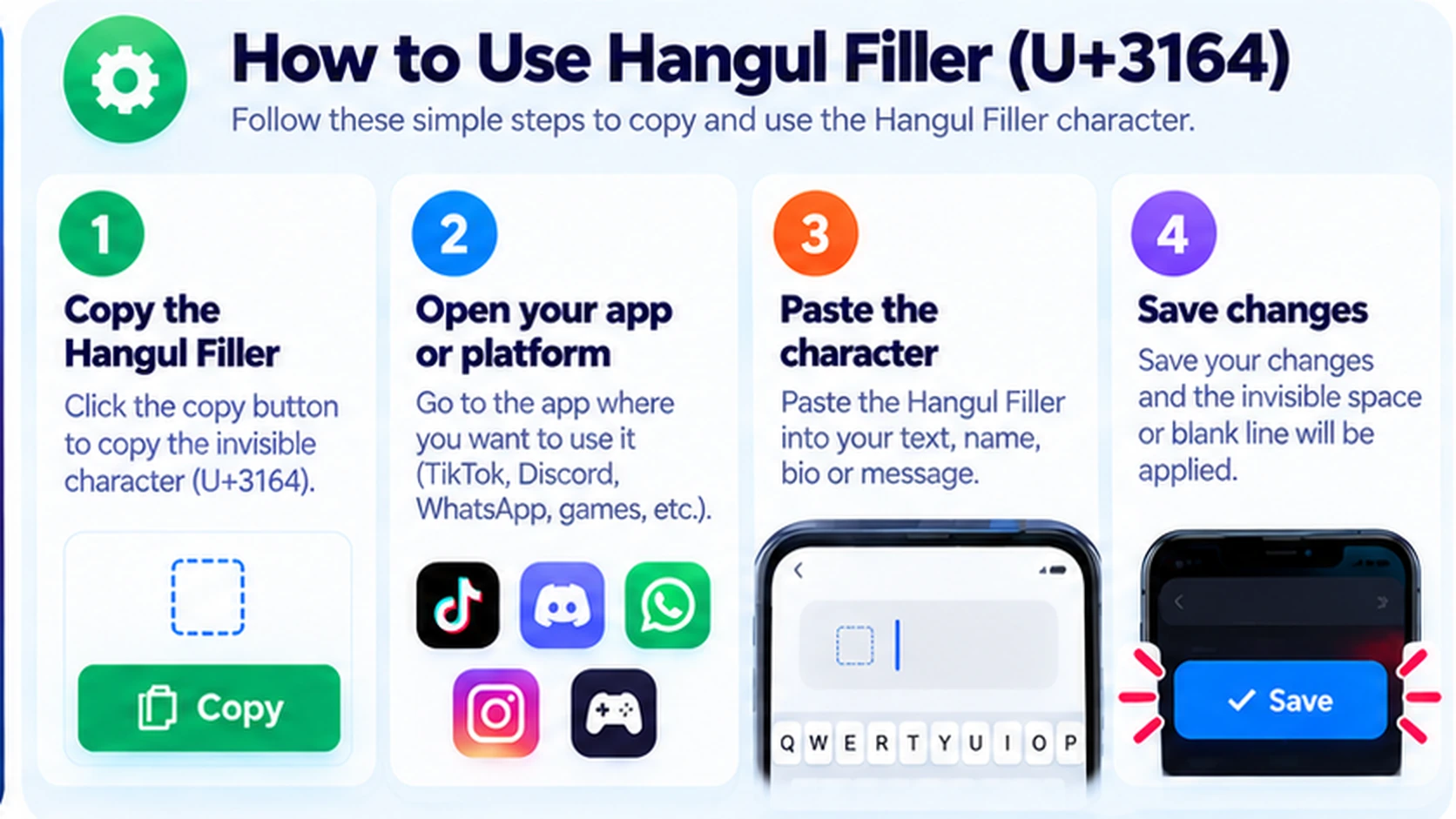
Step 1: Copy U+3164
Open [BlankyText](/) and choose Hangul Filler if it appears in the character options. Copy the character rather than typing a regular space.
Step 2: Open Your Target App
Navigate to the bio, message, text editor, or display-name field where you want to test it. Some fields have stricter validation than others.
Step 3: Paste the Character
Paste U+3164. The field may look empty while still containing one character. A blank-looking preview does not mean the app will accept it.
Step 4: Check the Saved Result
Save only when the app allows the character. Verify the result after saving and on another device when possible. If rejected, use a normal readable name or a supported format.
Hangul Filler vs. Other Invisible Characters
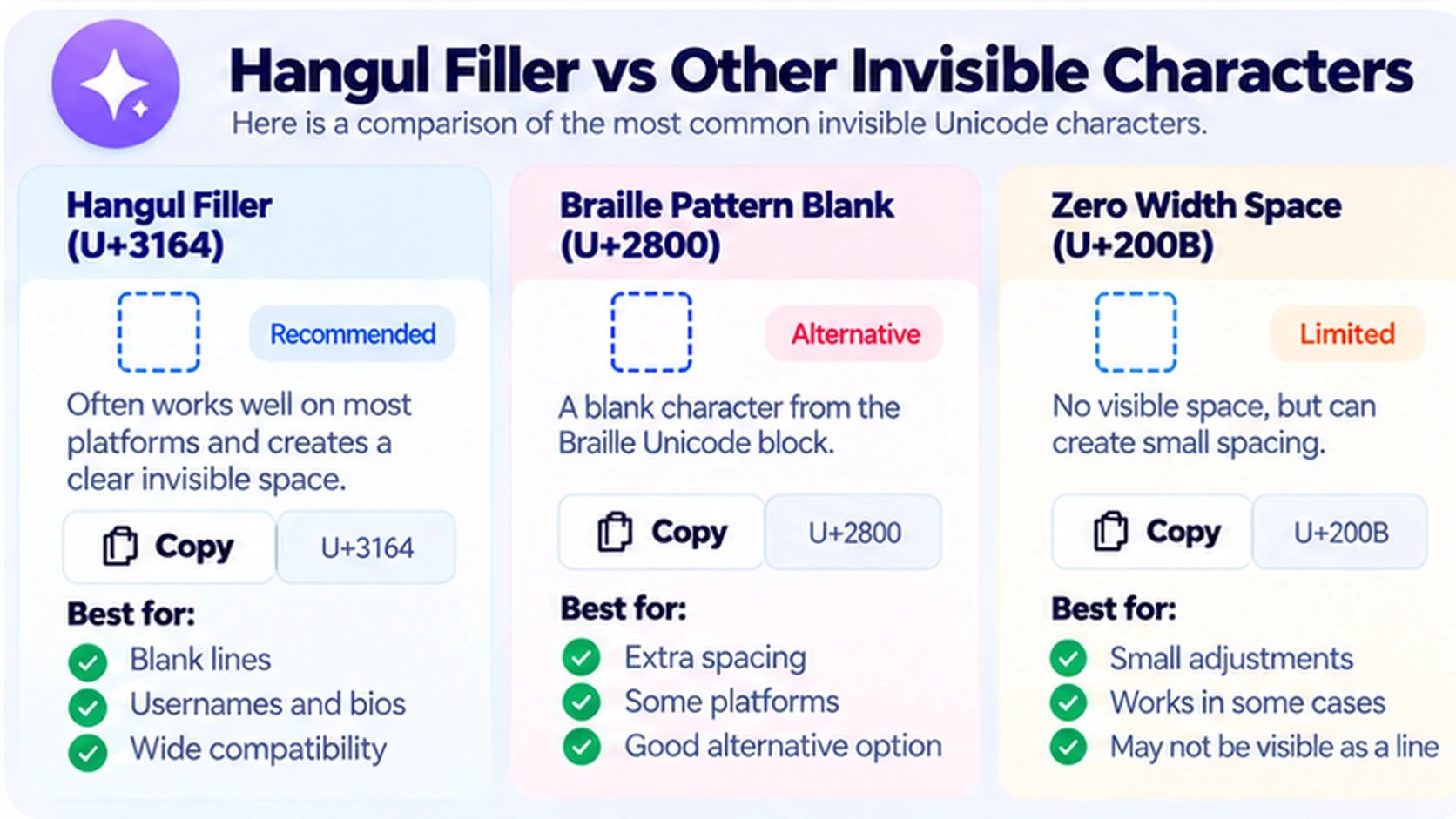
| Character | Code point | Unicode category or role | Appearance |
|---|---|---|---|
| Hangul Filler | U+3164 | Hangul compatibility character | Often blank-looking |
| Braille Pattern Blank | U+2800 | Braille pattern with no raised dots | May occupy width |
| Zero Width Space | U+200B | Format character for break opportunities | Zero visible width |
| Ordinary Space | U+0020 | Standard space separator | Visible gap between words |
These are not interchangeable. U+3164 is a compatibility Hangul character, while U+2800 is an empty Braille cell and U+200B is a zero-width formatting character. See our guides to Braille Pattern Blank and Zero Width Space.
Practical Uses of Hangul Filler
Spacing in Bios and Descriptions
Some people paste U+3164 to create blank-looking separation between lines. It may be retained in certain fields that remove ordinary spaces. Always check the final result; formatting may change on different screens.
Testing Display Names
A blank-looking character may be accepted in some nickname fields, but many services reject it. TikTok usernames and game nicknames can have special rules. Our TikTok display-name guide explains the distinction between a display name and an account handle.
Messages and Text Layouts
A message containing U+3164 is not truly empty. Some messaging platforms may allow it, while others may trim or reject it. See How to Send a Blank Message on WhatsApp for a platform-specific explanation.
Unicode Testing and Debugging
Developers can use U+3164 to test text normalization, validation, and display behavior. If you are unsure which character appears in a string, use an invisible character detector.
Common Problems and Fixes
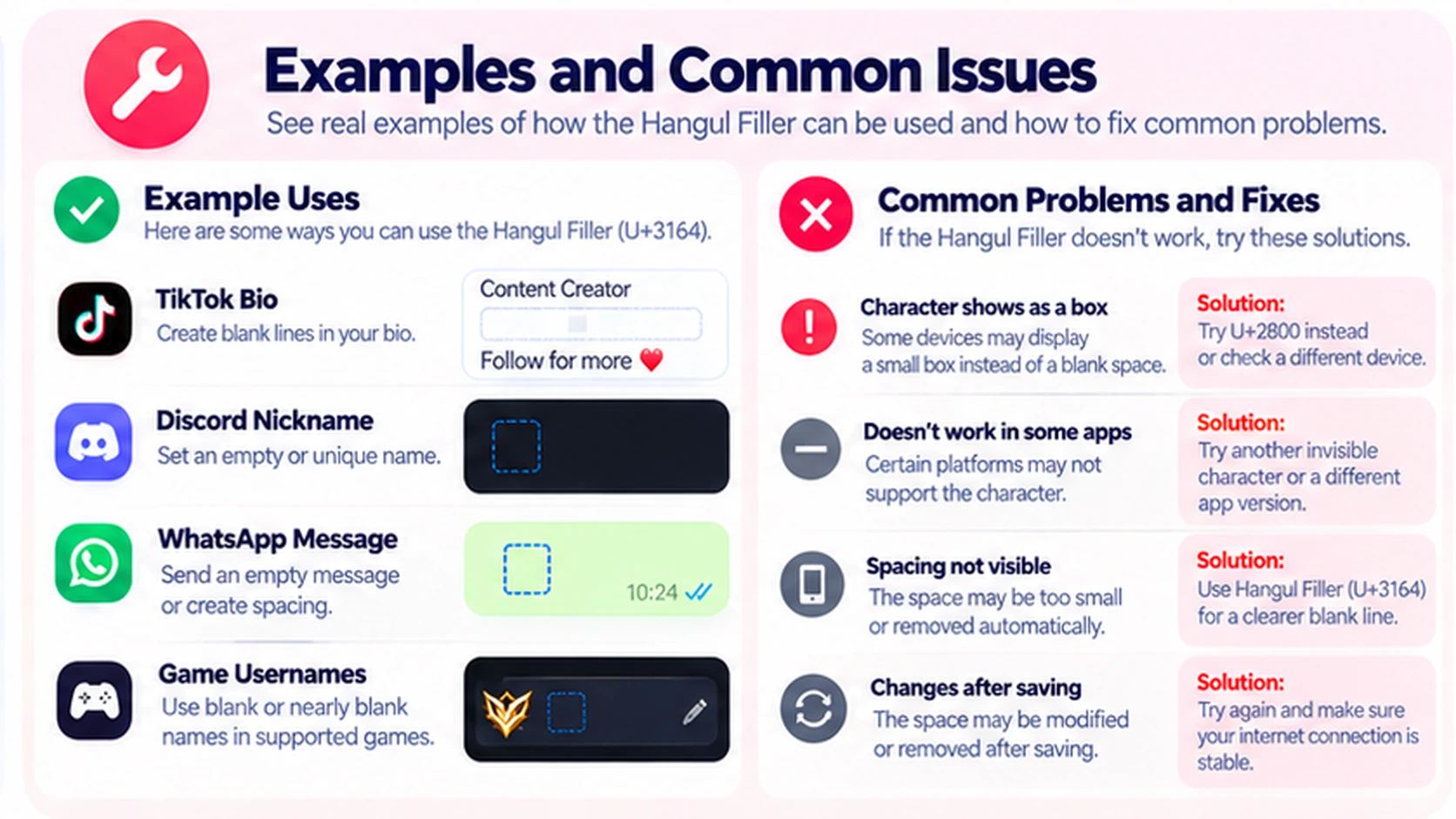
The Character Shows as a Box
The font or app may not display it as blank. Try a different supported font or use an ordinary space where appropriate; rendering cannot be guaranteed across devices.
The App Rejects the Character
The input field may prohibit U+3164. Respect the validation rule rather than trying to bypass it. Use a readable nickname or standard spacing.
The Space Disappears After Saving
An app may normalize, filter, or remove unusual Unicode characters. Reopen the saved content to verify the actual result.
The Gap Looks Too Wide or Too Narrow
Font metrics differ. Compare the display on desktop and mobile and choose simpler formatting when consistency matters.
Frequently Asked Questions
What is the Unicode code point for Hangul Filler?
It is U+3164, officially named HANGUL FILLER.
Is U+3164 the same as a normal space?
No. A regular space is U+0020. U+3164 is a distinct Hangul compatibility character.
Is Hangul Filler a zero-width character?
Not necessarily. It can occupy width depending on the font. U+200B is a different character specifically known as Zero Width Space.
Can I use U+3164 in TikTok or Discord names?
You can test it where Unicode is allowed, but platforms may reject it. A blank-looking nickname is not guaranteed.
Does Hangul Filler work in WhatsApp messages?
It may work in some contexts, but app validation and rendering can vary. Always test the actual result.
Can I copy Hangul Filler on iPhone and Android?
Yes. Both systems support Unicode copy and paste. The destination app still decides whether to accept the character.
Why does U+3164 look different on another device?
Fonts and text-rendering systems differ. Some show a blank gap while others may show a placeholder.
Where can I copy U+3164?
Visit [BlankyText](/) to copy blank-looking Unicode characters without typing their code points.
Final Thoughts
Hangul Filler is useful for learning about Unicode and experimenting with blank-looking text, but it is not a universal trick for empty names or messages. Copy it from [BlankyText](/), test responsibly, and use standard text when compatibility matters.